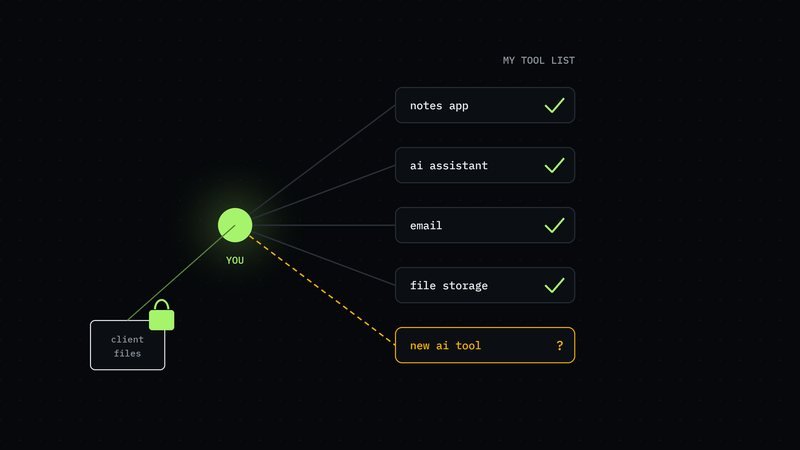
Someone in your organisation pasted a client contract into an AI chat tool this week to get a quick summary. Someone else installed a browser add-on that rewrites emails. Neither asked, because neither thought it needed asking. They were trying to get the job done faster.
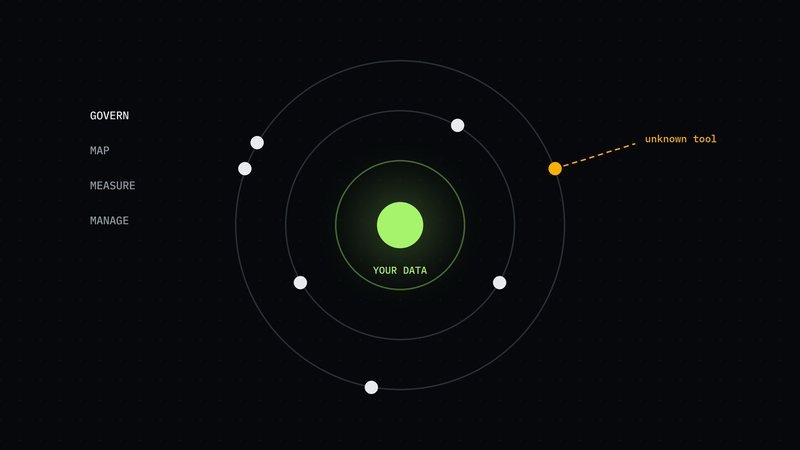
That's shadow AI: AI used without approval. It's rarely malicious. It's also already happening, almost certainly in your organisation as much as anyone's, and the question isn't whether to allow it. It's how to find it so you can decide what should happen to the data going into it.
Why it matters
Verizon's 2026 data breach research found that 45% of employees now use AI tools frequently, up from 15%, and that shadow AI has become the third most common non-malicious data-leak activity 1. Non-malicious means nobody meant harm. The data still left.
The controls haven't kept up. IBM's 2026 research found that 92% of organisations that had an AI-related breach lacked proper AI access controls 2. And when a breach does happen, it's expensive: IBM and the Ponemon Institute put the average cost of a data breach at a record USD 4.99m, up 12% 3. Those are averages across many organisations, mostly large ones, but the direction is clear.
Five ways to find it
You don't need special software to start. Most of the evidence is already sitting in places you can look this week.
- Card and expense statements. AI tools are cheap enough to go on a company card or an expense claim. Search the last six months of statements for AI providers and anything with "AI", "GPT", "chat" or "assistant" in the name. This is usually the quickest win.
- Single sign-on and browser add-ons. If staff sign in to tools through a company account (single sign-on, the "sign in with your work account" button), your identity system keeps a list of which apps they've connected. Your IT team can also list installed browser add-ons, which is where a lot of writing and summarising tools live.
- Network or firewall records. Your network already sees which websites people visit. A list of visits to known AI services, by team and by week, shows where the real use is, without reading anyone's content.
- AI already switched on in software you pay for. Many existing tools, from office suites to customer systems, have added AI features, sometimes switched on by default. Check the admin settings of your main systems. This is AI use that never involved a purchase or an approval.
- Ask the teams, with no blame. A short message saying "we want to know which AI tools help you, so we can approve the good ones" gets honest answers. People will tell you what they use when they don't expect trouble for it. They'll often tell you why, too, which shows you what an approved tool needs to do.
Put what you find into one list: the tool, who uses it, what kind of data goes in, and whether anyone has checked its terms.
For each tool, three questions settle most cases. Does it keep what people type into it? Does it use that content to train its own models? Can people sign in with a company account, so their access ends when they leave? A tool that fails all three is the first one to replace with an approved alternative.
Why an approved list beats a ban
The instinct is to block everything. It rarely works. When a useful tool is banned, people switch to a personal phone or a personal account, and the use carries on further out of sight. You lose the little visibility you had.
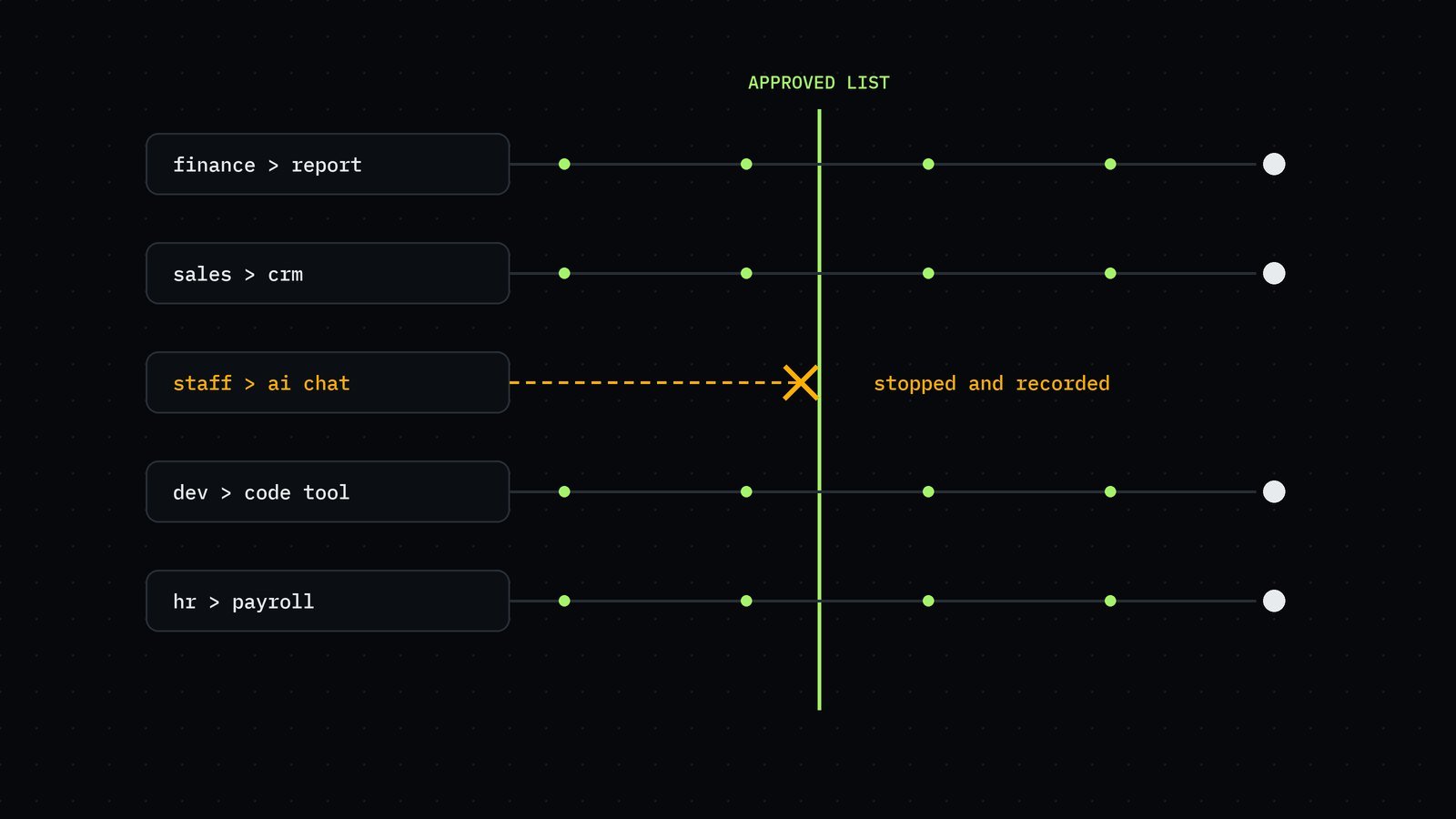
An approved list works the other way round. You choose a small number of tools that are safe for your data, make them easy to get, and tell people what they can use them for. Most people take the easy, approved path when there is one. The tools that remain outside the list are then the exceptions, and much easier to spot.
A one-page AI use rule
An approved list needs one companion: a short rule about what data may go where. It fits on one page:
- Public information (anything already on your website): any approved tool.
- Internal information (plans, internal documents): approved tools only, with company accounts.
- Confidential information (client data, contracts, personal details, source code): only the tools named for it, or none.
Name an owner for the rule and the list, and review both every quarter. It won't stop every mistake. It gives people a clear yes or no, which is what most of them were missing.
Where it leads
Finding shadow AI is the first step of data and AI governance: knowing who and what can reach your data, and being able to show what happened to it. If you want the bigger picture, our article AI governance for a mid-sized company: where to start covers what comes after the list.
Sources
- Verizon, news release on the 2026 Data Breach Investigations Report, 19/05/2026. Read 04/10/2026.
- IBM, "AI-powered adversaries and the enterprise risk challenge", 29/07/2026. Read 04/10/2026.
- IBM and Ponemon Institute, Cost of a Data Breach Report 2026, ibm.com/reports/data-breach. Read 04/10/2026.